
Frequently Asked Question
How do I sign in to DS file on Android and transfer files securely?
QUICK ANSWER
First confirm DS file can reach the NAS through the intended HTTPS or supported QuickConnect connection. Then check the account's folder permission and Android's required access for the transfer.
Applies to: DS file for Android connecting to a supported Synology device. DS file, Synology Drive and Synology Photos are separate apps.
Work through these checks
- Confirm the destination. Record the NAS/device address or supported QuickConnect ID and the intended connection method. Compare local WiFi and mobile data if only one path fails.
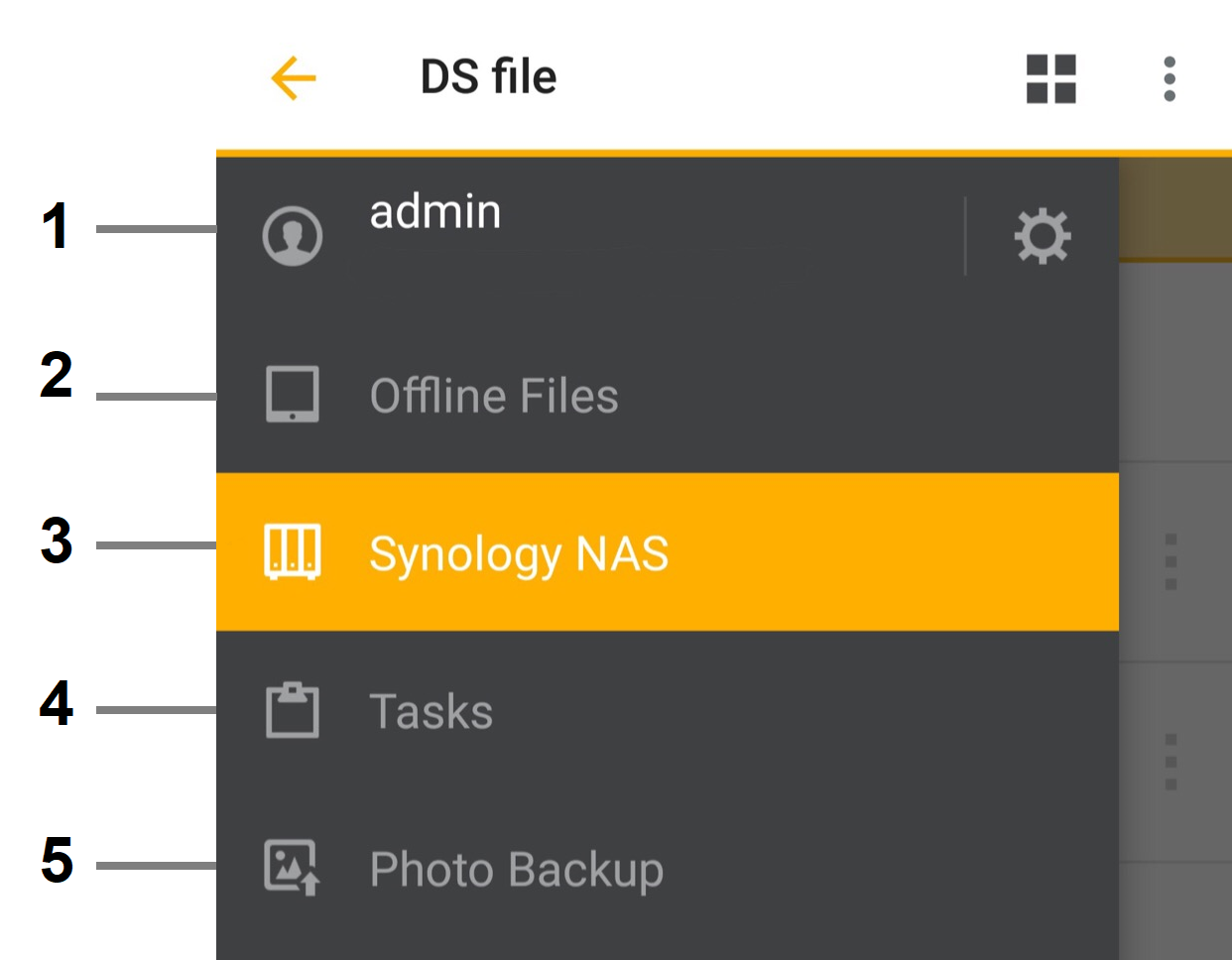
- Use the correct secure sign-in. Enter the authorised account through the supported sign-in flow. Check the HTTPS hostname and certificate rather than turning off certificate verification to suppress a warning.
- Check folder access. Confirm the account can list and read the intended folder, and can write only where uploads are required. A successful login does not grant access to every share.
- Check Android transfer permissions. Allow the file/media or destination access needed by the specific operation. Test a small non-sensitive file in each required direction before moving a large batch.
- Separate preview from transfer. If a file downloads but will not preview, check the file type and the receiving Android application. If background activity stops, check app/battery/network behaviour separately from the NAS login.
- Confirm the saved copy. Open the downloaded or uploaded file at its actual destination. Keep the source until the complete transfer has been checked.
Confirm the result
A small file is transferred through the intended secure route and opens at the destination under the correct user's permission.
Before going further: Do not send a password or verification code in a ticket, disable certificate checks generally or delete originals because a progress bar finished.
If you need help
Include these details in your ticket: Android/DS file/DSM versions, local versus mobile-data result, connection method and exact transfer/preview error.
Related guidance: File Sharing: How to set up user's privilege for shared folders on Synology NAS? · Why does Synology Photos stop backing up when my phone screen locks?
Updated 261111